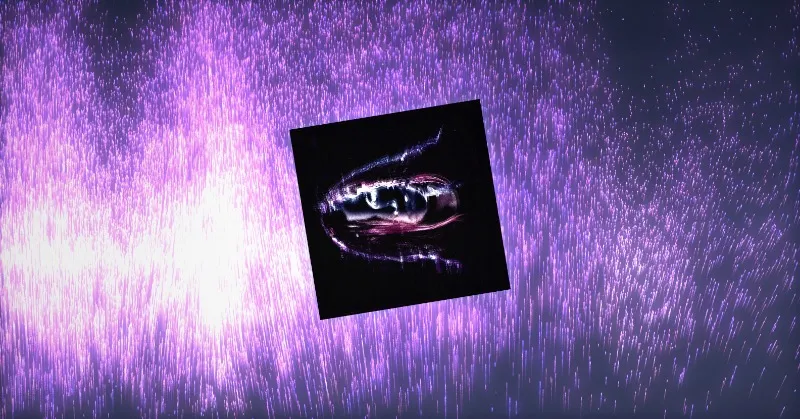


Effects from a sentence
Dithering, glow, chromatic aberration, noise fields, gradients and light: say what you want and watch it run.
 Hypertool
For shaders and effects
Describe the effect in words and Hypertool's agent writes it as a live WebGL shader you see running at once; the values worth tuning become controls, and the code is there to open whenever you want it.
Last updated
Live pieces from the gallery. Open one to see it run, its controls and how it was made.
Dithering, glow, chromatic aberration, noise fields, gradients and light: say what you want and watch it run.
Colours, sliders, gradients, points and seeds appear in the panel, so you tune the effect by eye instead of editing numbers.
Drop in an image or a video and run the effect over it. Ask for a file control and anyone can swap the source.
Open the piece's code with Show code, edit it yourself, or keep directing the agent.
What makes this work, in plain terms.
Everything you make runs: motion, interaction, sound and 3D stay alive from the first prompt to the final link.
Details →25 kinds of control, from sliders, palettes and gradients to 3D points, seeds, matrices and live audio readouts.
Details →A link that runs the piece live, with controls or without, set separately for desktop and for phones, plus embed code.
Details →Publish to the gallery, and open, explore and remix what others made, with credit kept.
Details →Yes. Show code in the tool rail opens the project's code; you can edit it yourself and the agent works with your changes.
Yes. Drop the image or video into the chat or onto the card, and ask for a file control so it can be swapped later.
As a live link, an embed on a website, a video or still image, or exported as a web component or an npm package.
Bring an idea. Leave with something that runs.
Start for free →