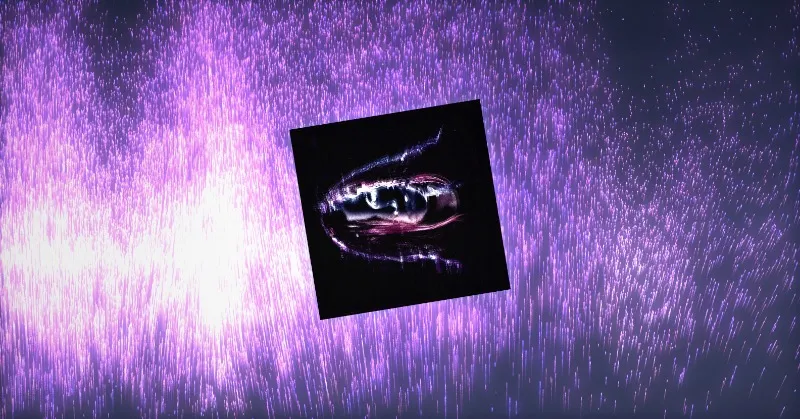


Seeds and Randomize
A seed control rearranges the composition; Randomize gives you the next variation in one click.
 Hypertool
For generative art
Describe the system (the shapes, the rules, the randomness) and Hypertool builds it as live generative art; a seed control with Randomize rearranges it into new variations, and every parameter you care about becomes a control.
Last updated
Live pieces from the gallery. Open one to see it run, its controls and how it was made.
A seed control rearranges the composition; Randomize gives you the next variation in one click.
Save a combination of control values as a preset and return to it any time.
Automate a control, such as a hue that cycles or a value that breathes, so the piece keeps changing without anyone touching it.
Share a live link with or without the controls, record it to video, and publish it to the gallery where others can remix it.
What makes this work, in plain terms.
Everything you make runs: motion, interaction, sound and 3D stay alive from the first prompt to the final link.
Details →An infinite, GPU-drawn stage where pieces keep running side by side: zoom out to see the whole system, focus one to work on it.
Details →25 kinds of control, from sliders, palettes and gradients to 3D points, seeds, matrices and live audio readouts.
Details →Publish to the gallery, and open, explore and remix what others made, with credit kept.
Details →Yes. Save the current control values as a preset in the panel and come back to it any time.
When you publish to the gallery and allow it, anyone can open the piece and remix it into their own project; the original stays untouched and the credit is kept.
Yes. Automate a control and the piece keeps moving on its own; share the link or open it in Present mode.
Bring an idea. Leave with something that runs.
Start for free →