
Motion that keeps running
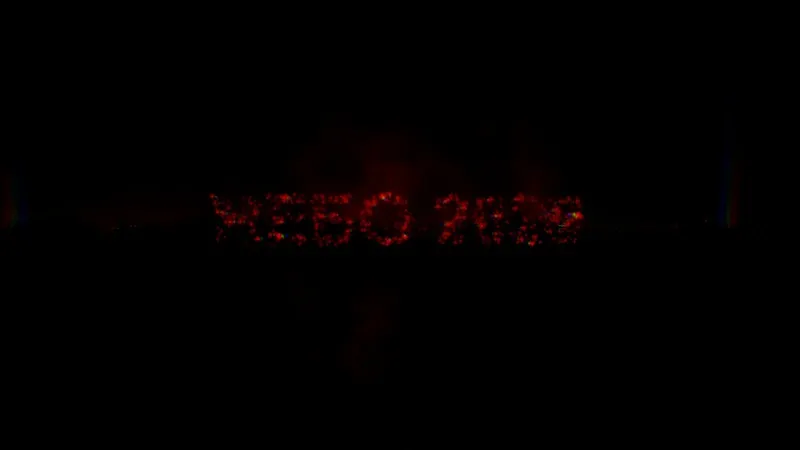
The piece is live, not a rendered clip: change the timing or the words and the motion updates on the spot.
 Hypertool
For motion designers
Describe the motion you want and Hypertool builds it as a live piece: animated posters, kinetic typography, title cards and product moments that keep running in the browser, with controls for timing, colour and type, and a Record button for video.
Last updated
Live pieces from the gallery. Open one to see it run, its controls and how it was made.
The piece is live, not a rendered clip: change the timing or the words and the motion updates on the spot.
Ask for sliders for speed and easing, a text control for the headline, colours for the palette. Anyone you share it with can tune them.
Use Record in the preview bar to capture the piece as video for posts, reels, decks and case studies. Recordings are saved to your files.
Duplicate a piece into a few directions and compare them on one canvas while they all keep moving.
What makes this work, in plain terms.
Everything you make runs: motion, interaction, sound and 3D stay alive from the first prompt to the final link.
Details →Describe the idea, show references, and the agent builds it, refines it and checks its own work.
Details →25 kinds of control, from sliders, palettes and gradients to 3D points, seeds, matrices and live audio readouts.
Details →A link that runs the piece live, with controls or without, set separately for desktop and for phones, plus embed code.
Details →Yes. Record in the preview bar captures the running piece as video, and the recording is saved to your files.
No. You describe the motion and the agent builds it; you refine it with words, controls and variations. The code is there if you want to open it.
Yes. Share the piece with its controls and they can change what you exposed, such as the headline and the palette, without touching the rest.
Bring an idea. Leave with something that runs.
Start for free →